
DesignPLUS: Design Tools for Canvas
The DesignPLUS Toolset
DesignPLUS for Canvas, created by Cidi Labs, is a toolset designed for instructional designers to more efficiently create robust, high-quality course templates and content to deliver a better student experience. DesignPLUS includes the Content Editor Toolbox, the Multi-Tool, and the Upload/Embed Image Tool.
Montclair State University has procured a site-wide license for DesignPLUS to make it available to all faculty on campus! To get started, visit our DesignPLUS User Guide or register for a training session below.
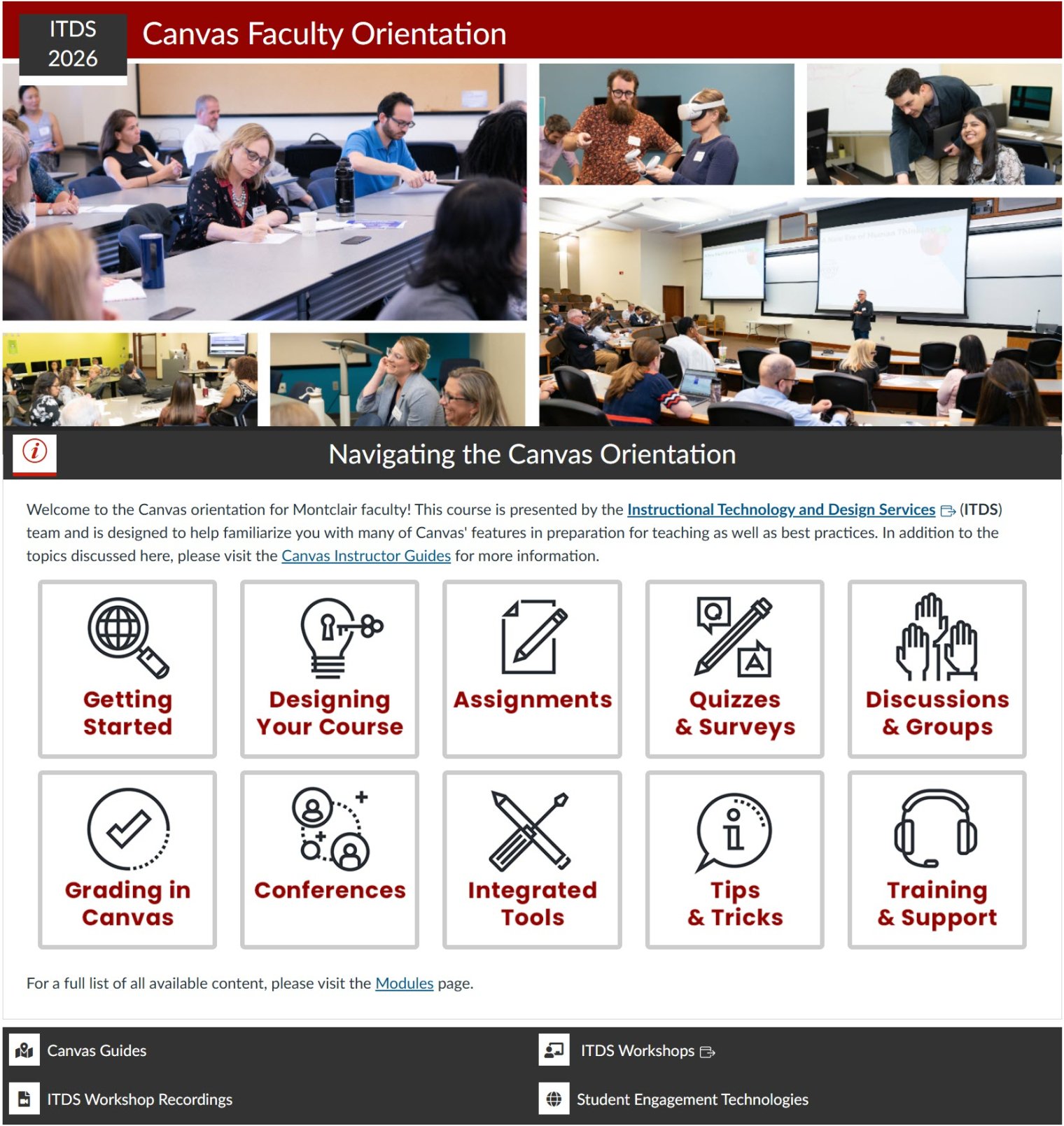
Training Opportunities
Custom Course Templates Using DesignPLUS
The DesignPLUS toolset makes it easy for you to present your content in new and engaging ways. Examples of live courses and communities can be found in the section below.
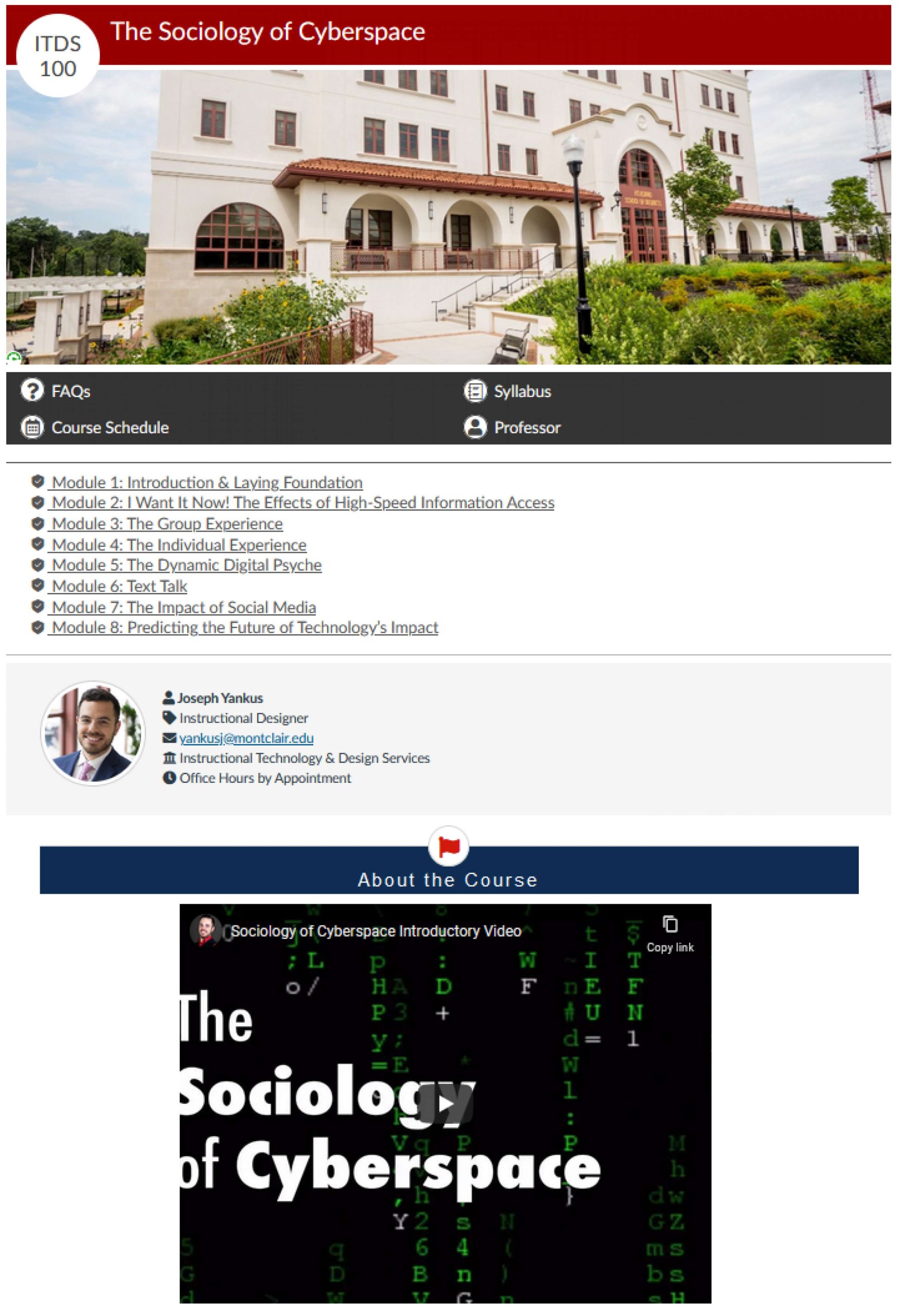
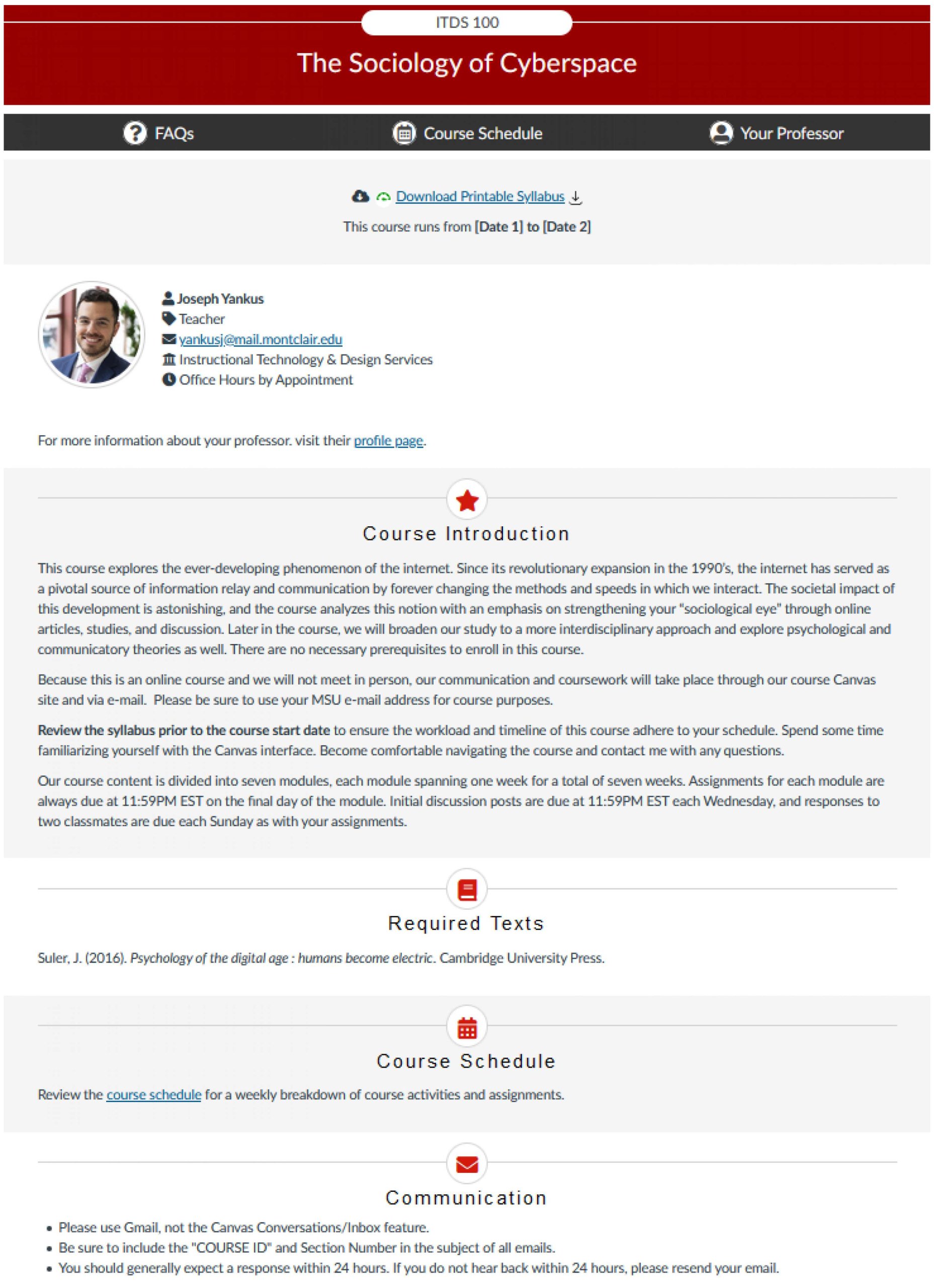
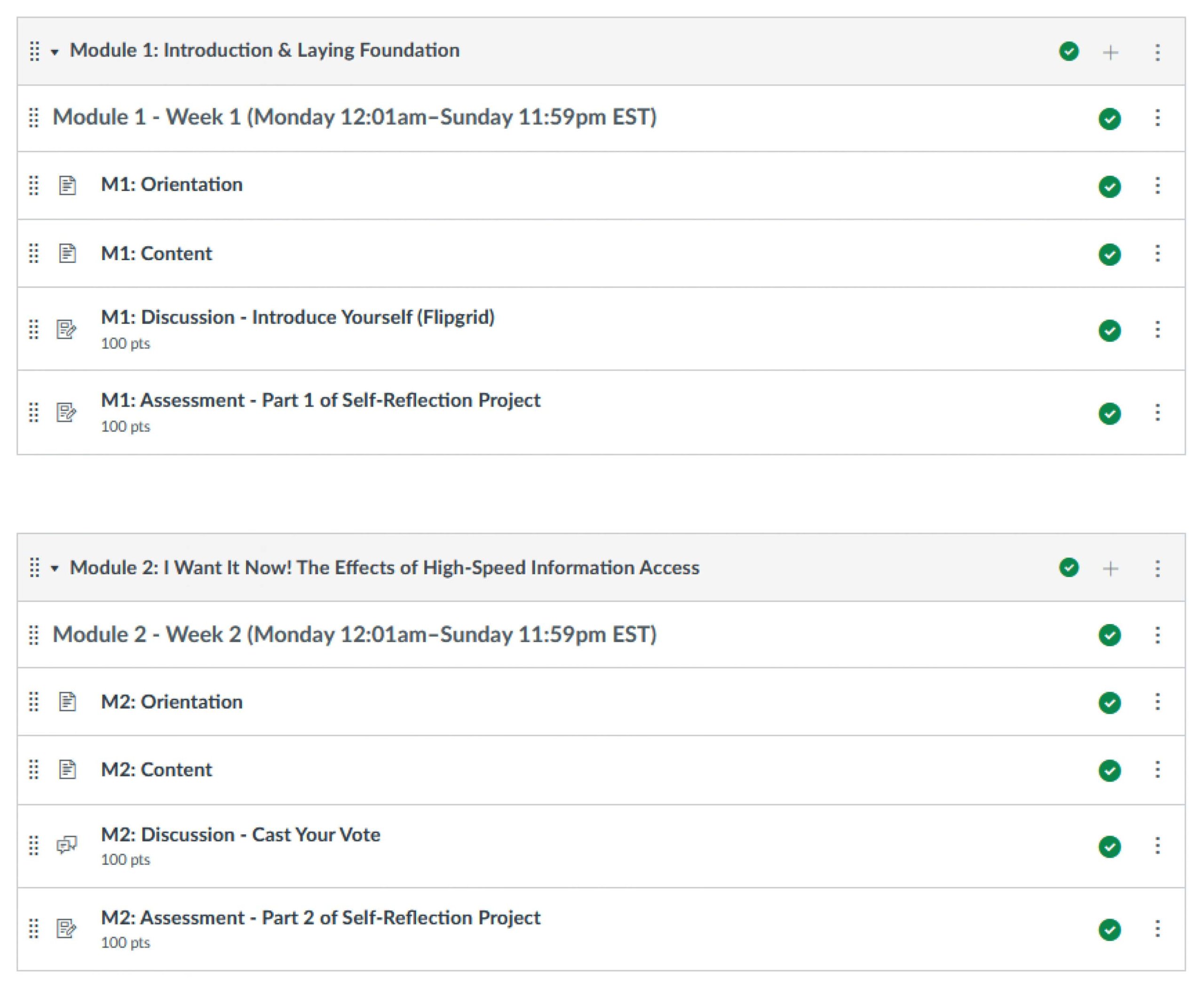
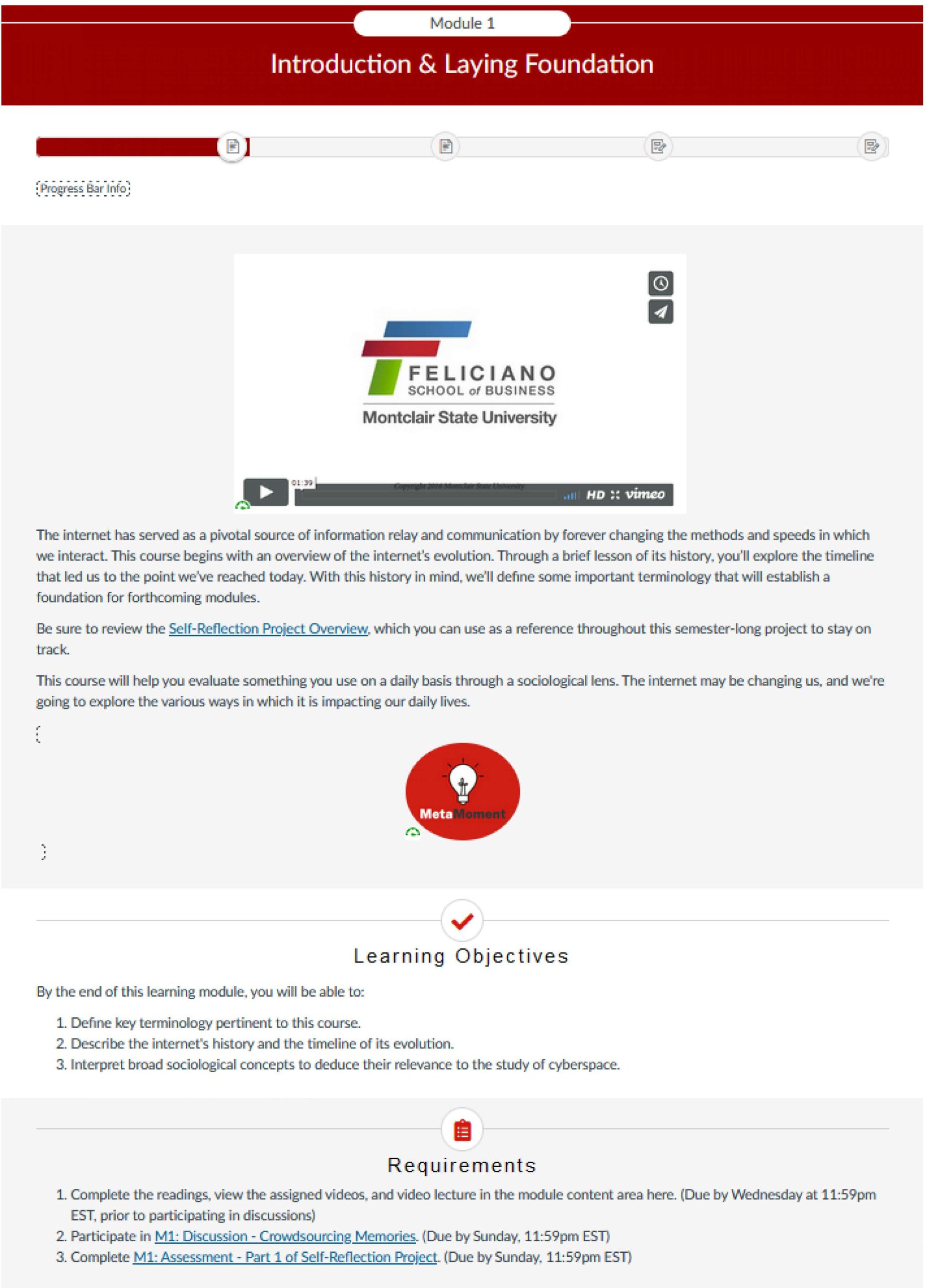
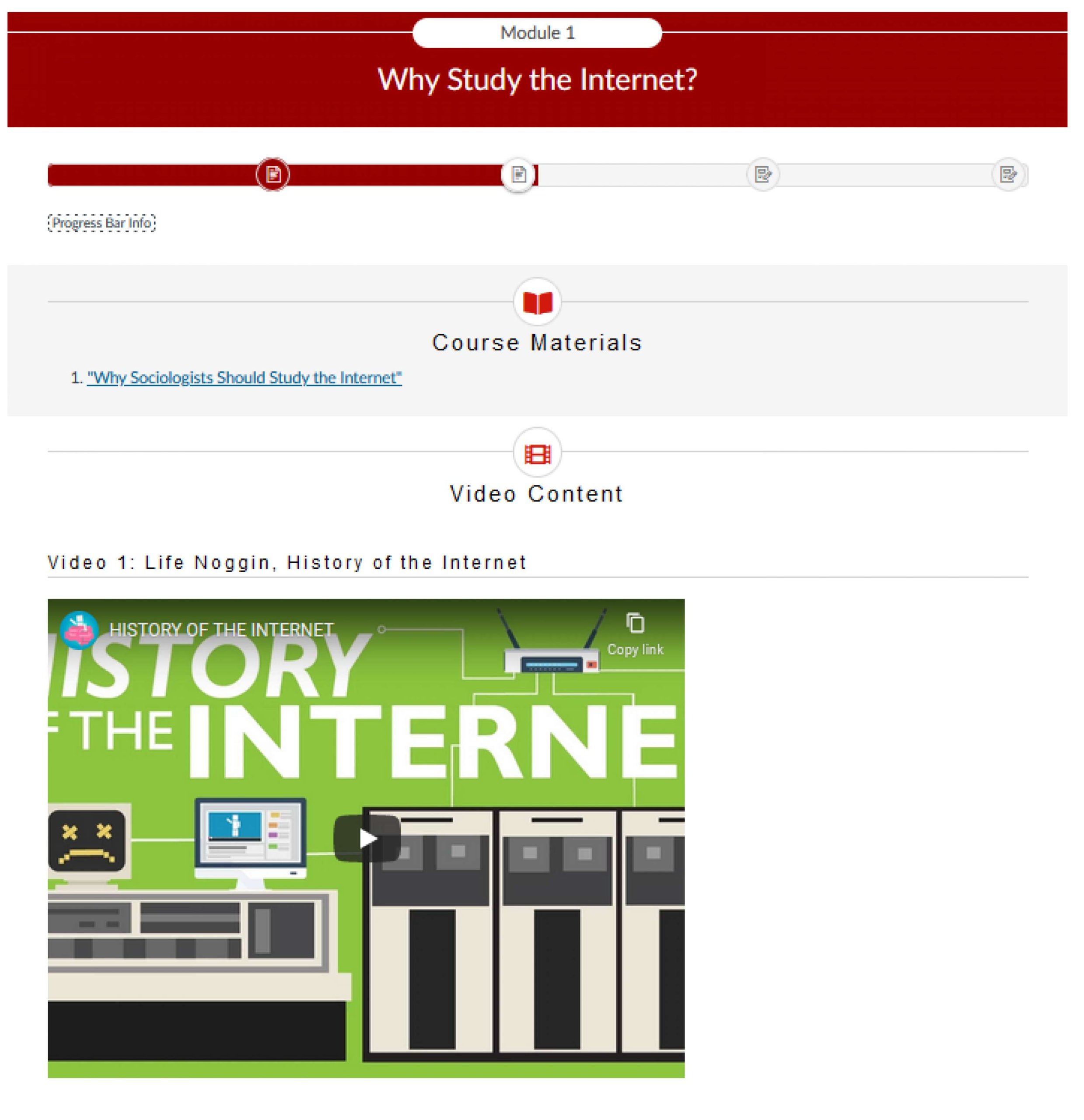
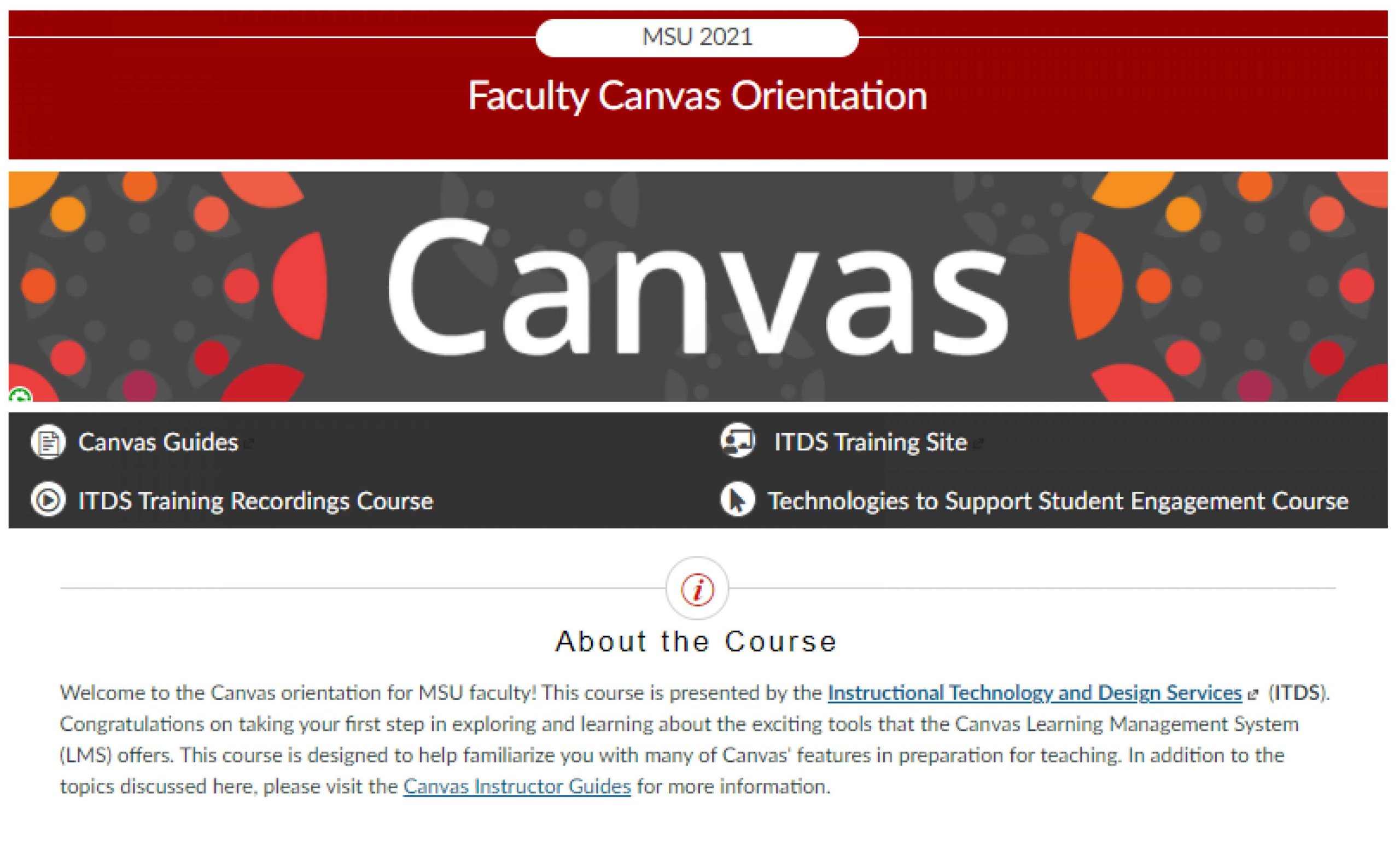
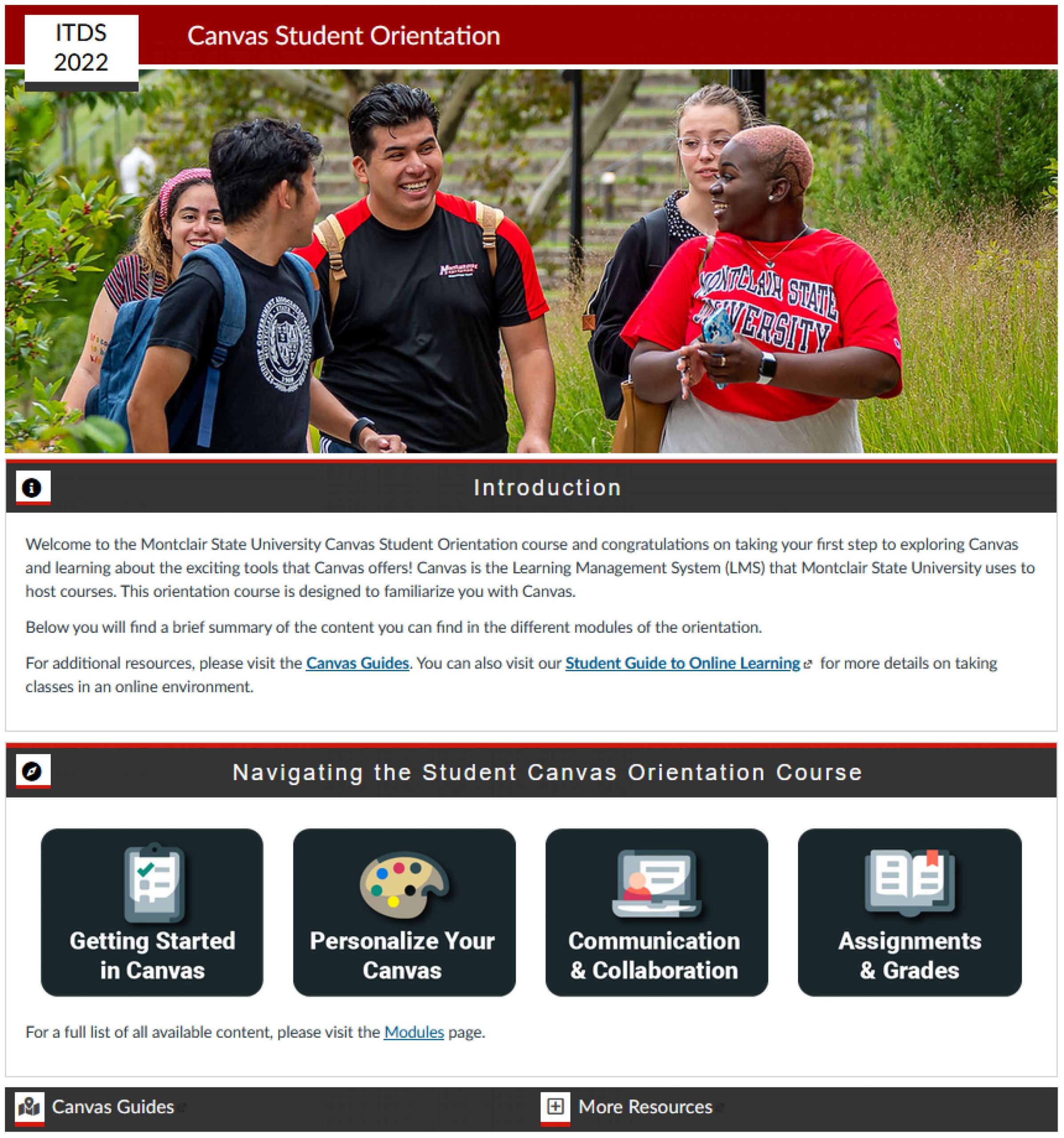

Looking for an easy place to start? We have a version of our Modifiable Course Template that utilizes DesignPLUS that is available for you to use on Canvas! A public version of the template is available for viewing, including instructions on how to import it into your course: [DesignPLUS] Modifiable Course Template (Public)
DesignPLUS Training & Support
- OFE hosts 1-hour DesignPLUS training sessions. Register on the OFE Training Calendar.
- DesignPLUS User Guide
- For additional help with DesignPLUS, please visit the Cidi Labs Support Center.