Prepare and submit your recital program through ProBuilder, the Cali School’s online program system. This page walks you through the submission deadline, audience access through QR codes, basic content rules, and what to do if you need edits after submitting. Review the steps early so your program is approved, linked, and ready in time for your recital.
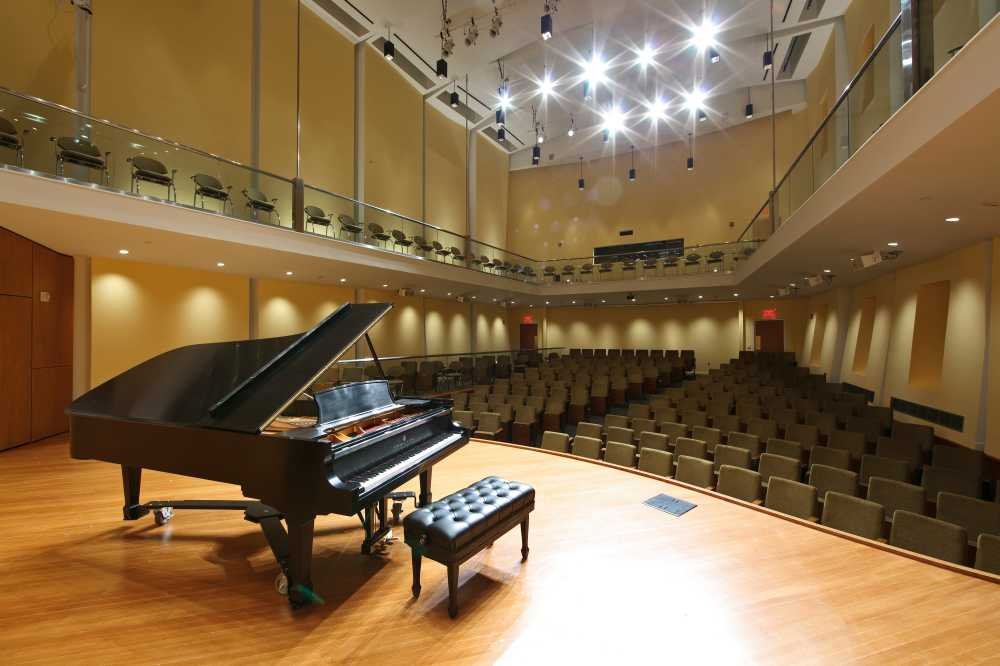
Piano on stage at Leshowitz Recital Hall in Chapin Hall Cali School of Music

Student Recital Program Guidelines

Creating Your Program

All recital programs must be created using ProBuilder, the Cali School’s official online program tool. In line with the University's sustainability goals, we no longer print physical programs. Instead, attendees will access programs via QR codes at the event.

  • Log in at ProBuilder using your full Montclair email (name@mail.montclair.edu) and password: chromatic 

Login to ProBuilder

  • Draft your program and send to your studio professor for approval
     
  • Once approved, click “Send to Print” (this will connect it to the QR code — no actual printing will occur)

Programs must be completed and submitted at least 7 days before your recital so they can be linked to the QR code posted at your venue (Leshowitz Hall, 201, G55, or Westminster 110).

Printed Programs:
Printed copies will not be provided. If you want printed programs for your audience, you must print and bring them yourself. Please also inform your recital worker that programs (if printed) should be handed out at the door.

IMPORTANT: Once your program has been submitted in ProBuilder, do not create a duplicate. If you need to make changes, email Heather Kern at kernh@montclair.edu to request that your original program be reopened.

  • Students: No bios, dedications, or acknowledgments
  • Vocalists: May include translations and program notes
  • Instrumentalists: Include repertoire, soloist, and accompanist info

Need Help?