
Center Resources
Center Resources
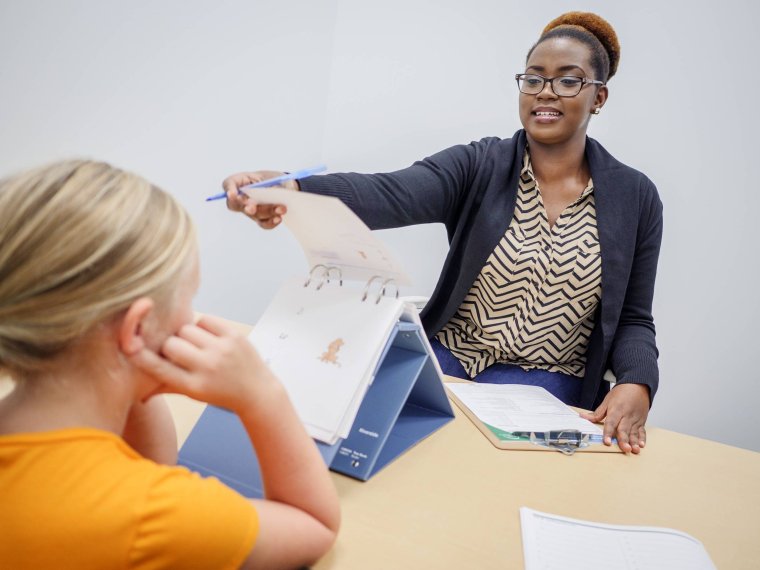
The Center Resources section provides policies, procedures, forms, and instructions for faculty, adjuncts, staff, students, and other individuals who teach, learn, or work at the Center for Clinical Services.
Building & Access
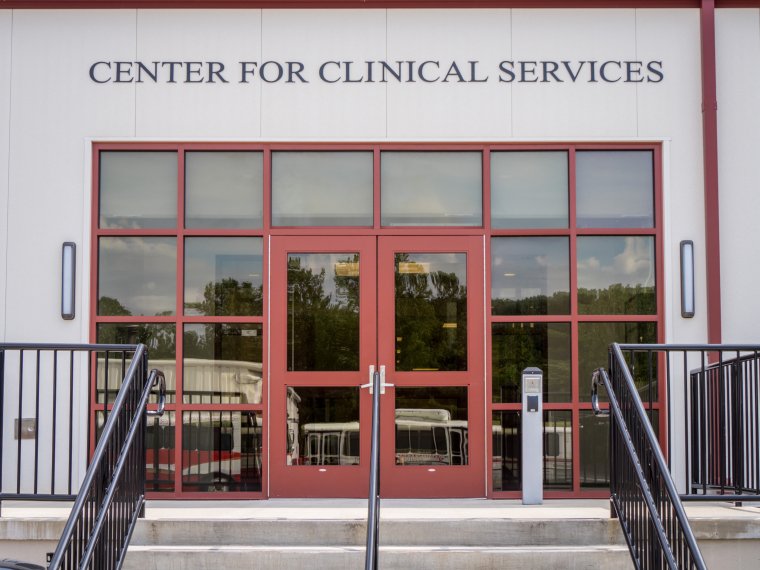
Please complete the Center for Clinical Services Building Access Form so we can prepare for your arrival and ensure the appropriate building and Center access is in place.
Submitting the form allows us to arrange the following, as applicable:
- Building swipe access
- KeyWatcher access
- Printer access
Important: Students must have their supervisor submit the form on their behalf. Student-submitted access requests will not be processed.
To avoid delays, please provide all required information when submitting an access request. For staff and student requests, you will be asked to provide the individual's first and last name, CWID, and access end date.
Protecting Sensitive Information & Professional Conduct
The Center for Clinical Services (CCS) is committed to maintaining the highest standards of confidentiality for all records, documents, agreements, and sensitive information.
During your employment, internship, or coursework, you may encounter confidential information related to clients, research participants, employees, students, or the University. This may include information that is observed or overheard in clinical, research, or shared spaces.
Any confidential information you access or encounter must be used only for purposes related to your assigned responsibilities and must never be shared, discussed, or used for any other purpose.
Professional Conduct & Etiquette
Because the Center serves clients, research participants, students, faculty, and staff, everyone is expected to maintain a professional and respectful environment.
- Maintain courteous behavior and a professional appearance appropriate for a clinical and academic environment.
- Use respectful and appropriate language in shared and community areas.
- Keep noise to a minimum in clinical, research, and office hallways.
- Respect shared spaces and clean up after yourself.
- Avoid lingering around clinic front desks, reception areas, or waiting areas.
- Be mindful of conversations and activities in shared spaces to help protect the privacy and confidentiality of others.
Clinic Room Reservations & Guidelines
Reserving a Clinic Room
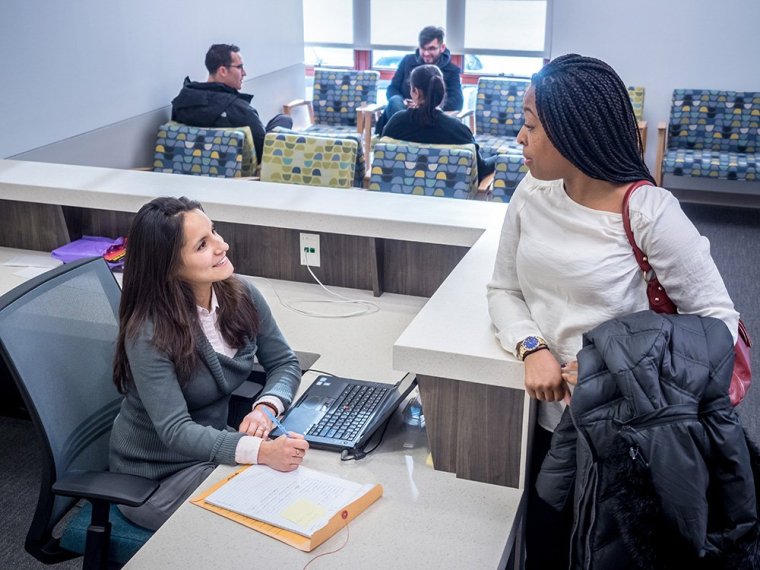
To reserve a clinic room, please complete the Clinic Room Reservation Request Form.
The form is intended for prearranged activities, including students who need to reserve a clinic room outside of scheduled class time. If your activity or request is not addressed on the form, please contact Ashley Allison at larka@montclair.edu.
Classroom Use During Scheduled Classes
Faculty, adjuncts, and students using clinical rooms during scheduled classes have been preassigned rooms. Faculty and adjuncts are notified of their assigned rooms by email before the semester begins.
Please use your assigned room numbers to help ensure accurate scheduling and availability for everyone.
Clinic Room Use Guidelines
Clinic rooms are shared spaces used daily for clinical services, research activities, and academic training. To help maintain these spaces:
- Do not remove furniture from clinic rooms.
- If you rearrange furniture, return it to its original setup when you are finished.
- Use the door signs to indicate whether a room is In Session or Available.
- Leave the room clean and orderly after each use.
- Be mindful that rooms may be used immediately after you by clients, research participants, students, faculty, or staff.
Classroom, Conference Room & Satellite Office Reservations & Guidelines
Room Reservations
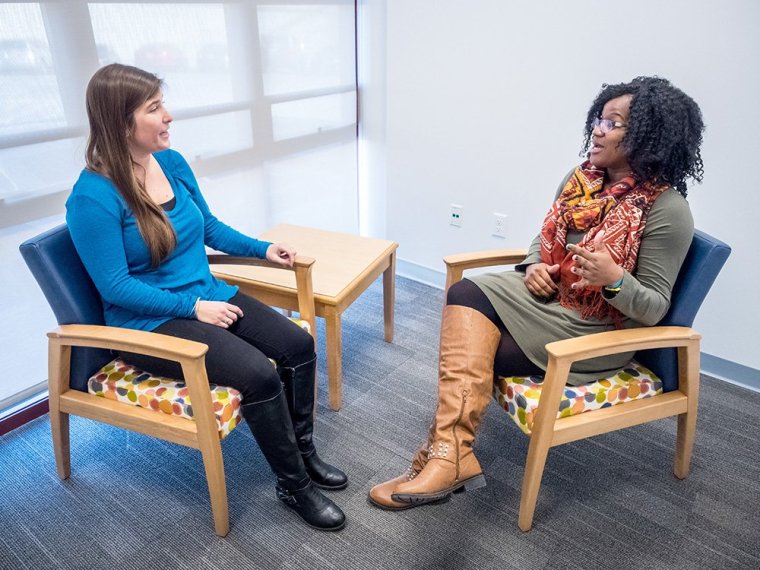
CCS classrooms, conference rooms, and satellite offices are available for a variety of academic, clinical, research, and administrative activities, including meetings with students, workshops and trainings, events, program meetings, and other Center-related activities.
All personnel are responsible for making their own reservations through 25Live.
If you have questions about using 25Live, need assistance making a reservation, or need access to reserve rooms in CCSV, please contact 25Live Support at 25Live@montclair.edu.
- Location: Search for CCSV when selecting a location in 25Live.
- Parking: Arrange parking in advance through Parking Services or use the pay-by-phone option. Do not park in designated visitor parking spaces.
- Room Setup: If a specific room setup is needed, submit a Facilities work order in advance to arrange the setup.
- IT Setup: For technology or AV setup, contact CCS IT Support at ccsitsupport@montclair.edu in advance.
Shared Satellite Office — Room 1414
Room 1414 is a shared satellite office available to faculty and staff on a first-come, first-served basis for clinical work and meetings.
- Reservation: Reserve the room through 25Live by submitting a room reservation request.
- Access: Room 1414 is located behind the CCS Front Desk. You must either have swipe access or be let into the room by Front Desk staff.
- Technology: The room has two desktop computers, including access to the IVS VALT system.
Room Use Guidelines
CCS classrooms and conference rooms are shared spaces used by multiple departments and programs. Please help keep these spaces clean, organized, and ready for the next user:
- Do not remove furniture from the rooms.
- Clean up after yourself, including erasing dry-erase boards, pushing in chairs, returning tables and chairs to their original arrangement, and disposing of all trash.
- Leave the room clean and ready for the next scheduled user.

Computing Lab Guidelines
The CCS Computing Lab is available to faculty, staff, and students who work, teach, or study in the building.
Lab Guidelines:
- Use headphones when watching videos or other media to avoid disturbing others. Please return borrowed headphones after use.
- Sign out of the computer before leaving the lab.
- Do not leave IVS VALT videos playing when you leave. The system may continue recording even after you log out of the computer.
- For technical support, contact CCS IT Support at 973-655-3652 or ccsitsupport@montclair.edu.
Contact Us!
Our Center offers a range of clinical and family support services as part of our training facility, available to residents of New Jersey and the New York metropolitan area. We provide services for individuals of all ages, addressing a variety of needs, including community-based clinical support for individuals, couples, families, and groups; career counseling and workplace issue management; and psychoeducational evaluations.
- ccs@montclair.edu
- 973-655-3600
- 147 Clove Road, Little Falls, NJ 07424