Rumor Has It: Passwords Are Planning a Strike
Campus-wide chaos? Not quite — but your passwords might feel like they’re on strike this week. Letters, numbers, and symbols have reportedly banded together to demand better working conditions.
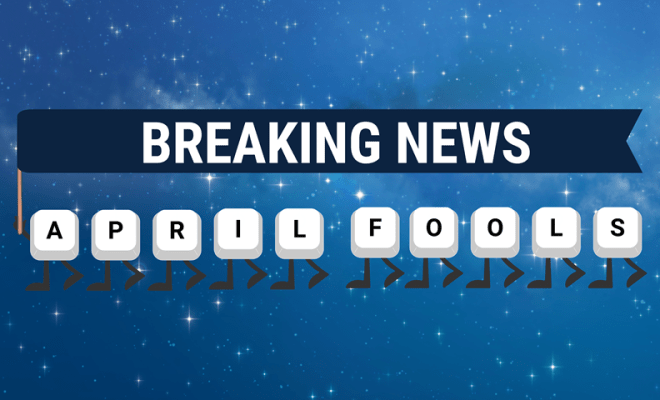
Campus-wide chaos? Not quite — but your passwords might feel like they’re on strike this week. Letters, numbers, and symbols have reportedly banded together to demand better working conditions, including:
- Stronger combinations: No more “Rocky123.”
- No repeats: Each account deserves its own unique password.
- Privacy protection: No sharing with roommates, coworkers, or classmates.
- Safe storage: Avoid sticky notes, public forms, or shared spreadsheets.
The National Keys Union (N.K.U.) claims: “We’ve been overworked and underappreciated for years. Until users give us proper respect, we’re refusing to log anyone in!”
While this strike is purely fictional, it’s a great reminder that strong, private passwords are essential for everyone on campus — students, faculty, and staff alike. Weak, shared, or poorly stored passwords can put your email, classwork, research, or sensitive campus data at risk.
Educational Takeaways
- Use strong, unique passwords: Combine letters, numbers, and symbols.
- Try using a passcode instead: RockyistheCoolest77!
- Never share your passwords: Even with friends or colleagues.
- Avoid unsafe storage: Never post passwords in public documents or forms.
- Enable multi-factor authentication (MFA) everywhere: It adds an extra layer of protection.
- Update passwords regularly: Especially for sensitive personal accounts.
- Use a password manager: To keep all your credentials secure and easy to manage.
Don’t worry, the strike is over… for now. But your passwords are still watching, and they appreciate a little respect.
Want to Learn More
Montclair State University | Secure Password Worksheet (For Personal Use)
Security.org | How Secure Is My Password?
CISA | Use Strong Passwords
CISA (Video) | How to Make Strong Passwords! (We Can Secure Our World)
Apple | Find saved passwords and passkeys on your iPhone
Google Android | Get started with Google Password Manager
- Published